Comment ajouter un Copy bot en tant que vendeur sur le Marketplace
Ce guide te montre comment ajouter un Copy Bot au Marketplace Cryptohopper.
Conditions
- Un compte Cryptohopper.
- Le statut approuvé en tant que vendeur sur le Marketplace. Voir comment postuler en tant que vendeur sur le Marketplace.
Étapes
- Connecte-toi à ton compte Cryptohopper.
- Clique sur "Marketplace".
- Clique sur "Marketplace items".
- Clique sur "New Item".
- Clique sur "Copy Bot".
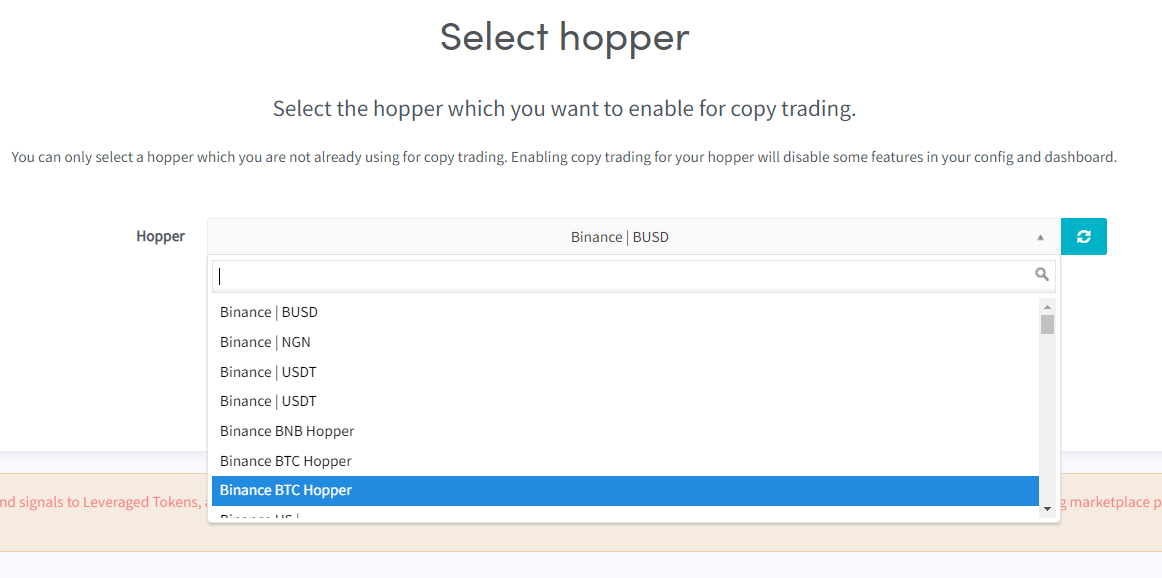
- Sélectionne le Copy Bot que tu souhaites lister sur le Marketplace.
- Clique sur "Continue".
- Remplis tous les champs obligatoires.
- Clique sur "Save".