Cómo comprar suscripciones con descuento
Esta guía explica cómo obtener un descuento en suscripciones de bot al comprarlas en masa.
Prerrequisitos
- Una cuenta de Cryptohopper.
- Un mínimo de tres suscripciones ya activas.
- Suficientes créditos de Cryptohopper disponibles.
Pasos
- Accede al Administrador en Masa en tu cuenta de Cryptohopper.
- Navega a la pestaña "Suscripciones".
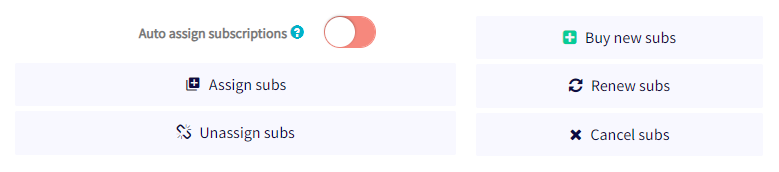
- Haz clic en "Comprar nuevas subs".
- Elige el plan de suscripción que quieres comprar en masa.
- Selecciona mensual o anual.
- Establece la cantidad de suscripciones que quieres comprar.
- Selecciona tu método de pago — actualmente solo se admiten créditos de Cryptohopper.
- Haz clic en "Ordenar suscripciones".
- Asigna las suscripciones compradas a los bots que desees.
El descuento en masa se aplica automáticamente y los pagos se deducen de tu saldo de Cryptohopper. Para más información sobre asignar suscripciones en masa y los niveles de descuento disponibles, consulta la documentación relevante.
consejo
¿Necesitas ayuda? Envíanos un correo a [email protected].