How to purchase subscriptions with a discount
This guide explains how to get a discount on bot subscriptions when purchasing them in bulk.
Prerequisites
- A Cryptohopper account.
- A minimum of three subscriptions already active.
- Sufficient Cryptohopper credits available.
Steps
- Access the Bulk Manager in your Cryptohopper account.
- Navigate to the "Subscriptions" tab.
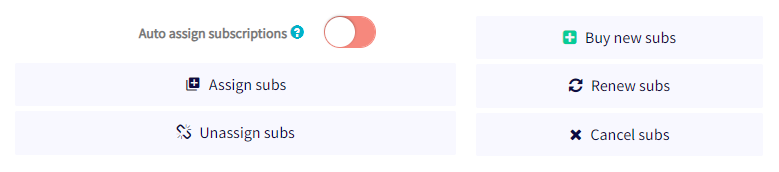
- Click "Buy new subs".
- Choose the subscription plan you want to purchase in bulk.
- Select monthly or yearly.
- Set the quantity of subscriptions you want to purchase.
- Select your payment method — currently only Cryptohopper credits are supported.
- Click "Order subscriptions".
- Allocate the purchased subscriptions to your desired bots.
The bulk discount is applied automatically and payments are deducted from your Cryptohopper balance. For more information on assigning subscriptions in bulk and available discount tiers, see the relevant documentation.
提示
Need help? Email us at [email protected].