Comment acheter des abonnements avec une réduction
Ce guide explique comment obtenir une réduction sur les abonnements de bot lors de l'achat en gros.
Conditions
- Un compte Cryptohopper.
- Un minimum de trois abonnements déjà actifs.
- Suffisamment de crédits Cryptohopper disponibles.
Étapes
- Accède au Gestionnaire de plusieurs bots dans ton compte Cryptohopper.
- Navigue vers l'onglet « Abonnements ».
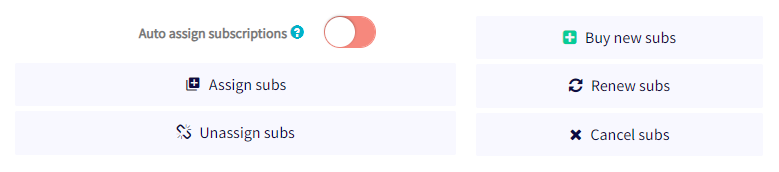
- Clique sur « Acheter de nouveaux abonnements ».
- Choisis le forfait d'abonnement que tu souhaites acheter en gros.
- Sélectionne mensuel ou annuel.
- Définis la quantité d'abonnements que tu souhaites acheter.
- Sélectionne ta méthode de paiement — actuellement seuls les crédits Cryptohopper sont pris en charge.
- Clique sur « Commander des abonnements ».
- Attribue les abonnements achetés aux bots souhaités.
La réduction pour achat en gros est appliquée automatiquement et les paiements sont déduits de ton solde Cryptohopper. Pour plus d'informations sur l'attribution d'abonnements en gros et les niveaux de réduction disponibles, consulte la documentation correspondante.
astuce
Besoin d'aide ? Envoie-nous un e-mail à [email protected].