Wie du einen Copy-Bot als Marketplace-Verkäufer hinzufügst
Diese Anleitung zeigt dir, wie du einen Copy-Bot zum Cryptohopper Marketplace hinzufügst.
Voraussetzungen
- Ein Cryptohopper-Konto.
- Genehmigter Status als Marketplace-Verkäufer. Siehe wie du dich als Marketplace-Verkäufer bewirbst.
Schritte
- Melde dich an bei deinem Cryptohopper-Konto.
- Klicke auf "Marketplace".
- Klicke auf "Marketplace items".
- Klicke auf "New Item".
- Klicke auf "Copy Bot".
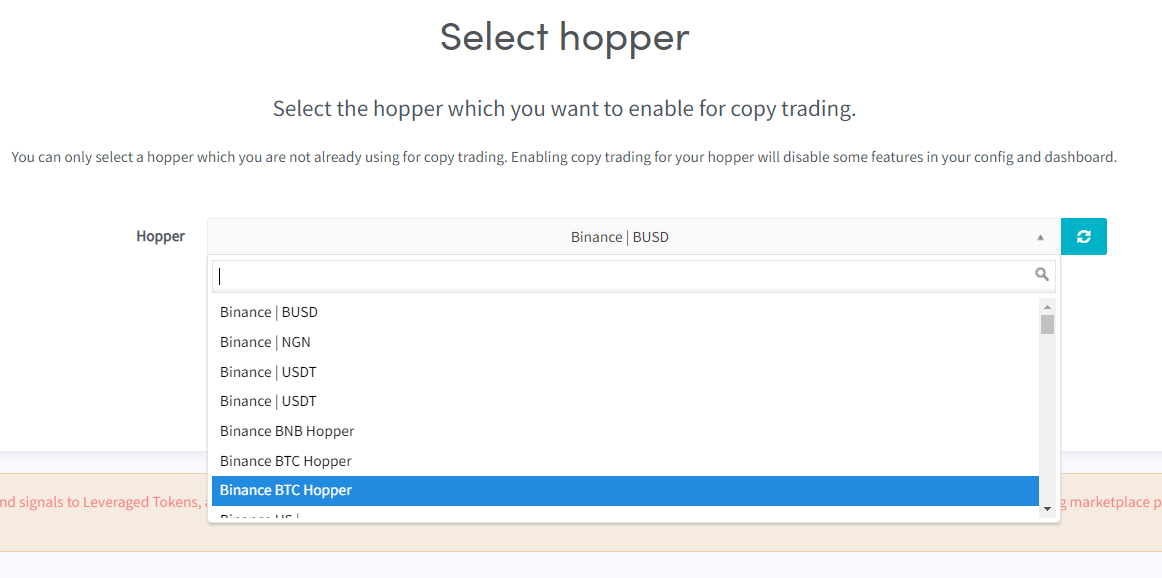
- Wähle den Copy-Bot aus, den du im Marketplace listen möchtest.
- Klicke auf "Continue".
- Fülle alle erforderlichen Felder aus.
- Klicke auf "Save".