How to create Triggers with TradingView Alerts
This guide shows you how to use TradingView Alerts to fire Cryptohopper Triggers.
Prerequisites
- A Cryptohopper account.
- An Explorer, Adventurer, or Hero subscription.
- A paid TradingView subscription.
- An understanding of what Triggers are.
Steps
Set up the Trigger in Cryptohopper
- Go to your Baseconfig, click "Triggers", and click "New".
- Give your Trigger a name and enable it.
- Leave "Select exchange", "Select market", and "Select candle size" unchanged.
- Select "TradingView" as the indicator.
- Select the Action you want the Trigger to execute.
- Set the Cooldown period in minutes, hours, or days.
Connect to TradingView
- Go to Cryptohopper's TradingView app and copy the Webhook URL.
- Open TradingView and select the market you want to use for the alert.
- Click the Alert button and go to the "Notifications" tab.
- Paste the Webhook URL into the Webhook URL field.
- Go back to Cryptohopper's Alert Generator and select "Trigger" as the Action.
- Select the bot and the Trigger for this alert, then click "Generate".
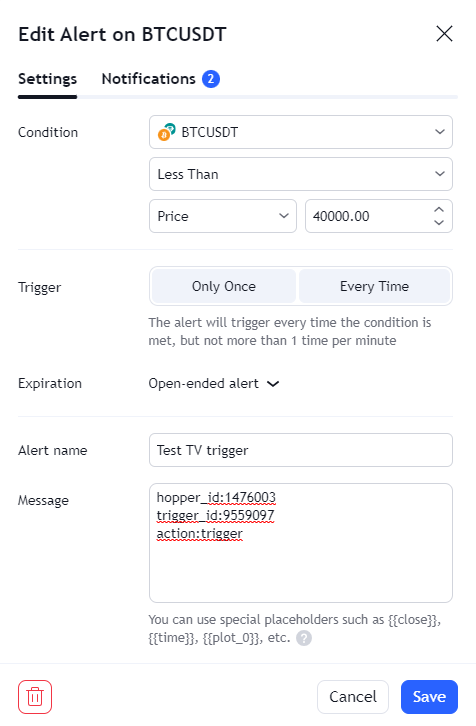
- Paste the generated alert message into TradingView under "Settings".
- Click "Save". Your Trigger is ready.