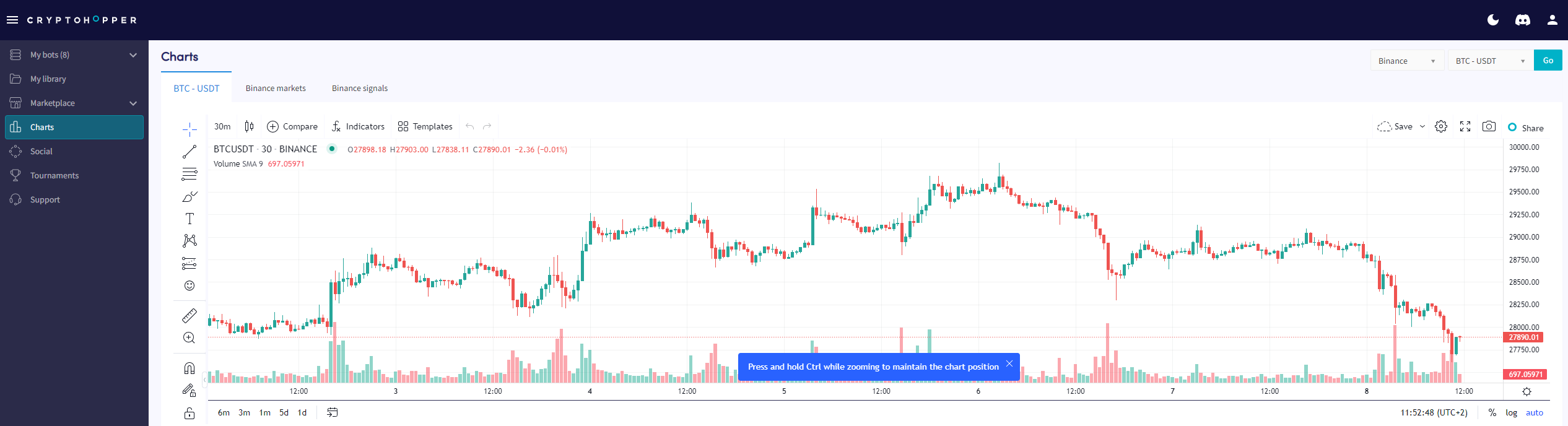
How to read the Charts page
This guide shows you where to find the Charts page and what you can do with it.
Prerequisites
- A Cryptohopper account.
- A Pioneer, Explorer, Adventurer, or Hero subscription.
Steps
- Log in to your Cryptohopper account.
- Click "Charts".
- Select your exchange and trading pair.
- Click "Go".
- Use the easy tools to draw on the chart, or
- Use the complex tools to draw on the chart.
- Check out the "Market tab".
- Review the "Signals tab".