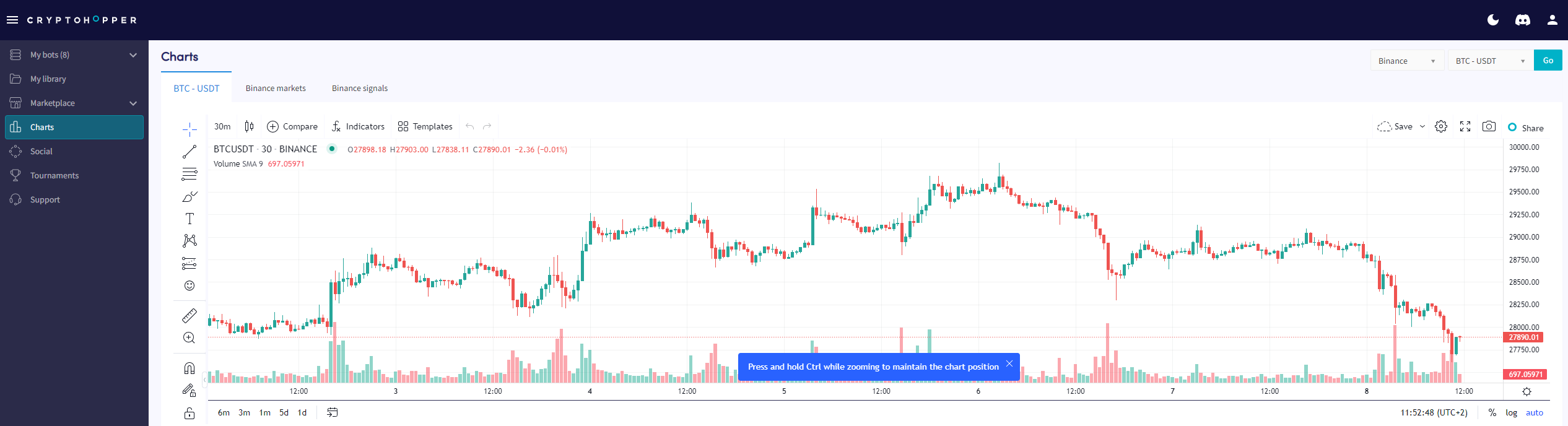
Jak czytać stronę z wykresami
Ten przewodnik pokazuje, gdzie znaleźć stronę z wykresami i co możesz z nią zrobić.
Wymagania wstępne
- Konto Cryptohopper.
- Subskrypcja Pioneer, Explorer, Adventurer lub Hero.
Kroki
- Zaloguj się na swoje konto Cryptohopper.
- Kliknij "Wykresy".
- Wybierz swoją giełdę i parę handlową.
- Kliknij "Dalej".
- Użyj prostych narzędzi, aby rysować na wykresie, lub
- Użyj złożonych narzędzi, aby rysować na wykresie.
- Sprawdź zakładkę "Rynek".
- Przejrzyj zakładkę "Sygnały".