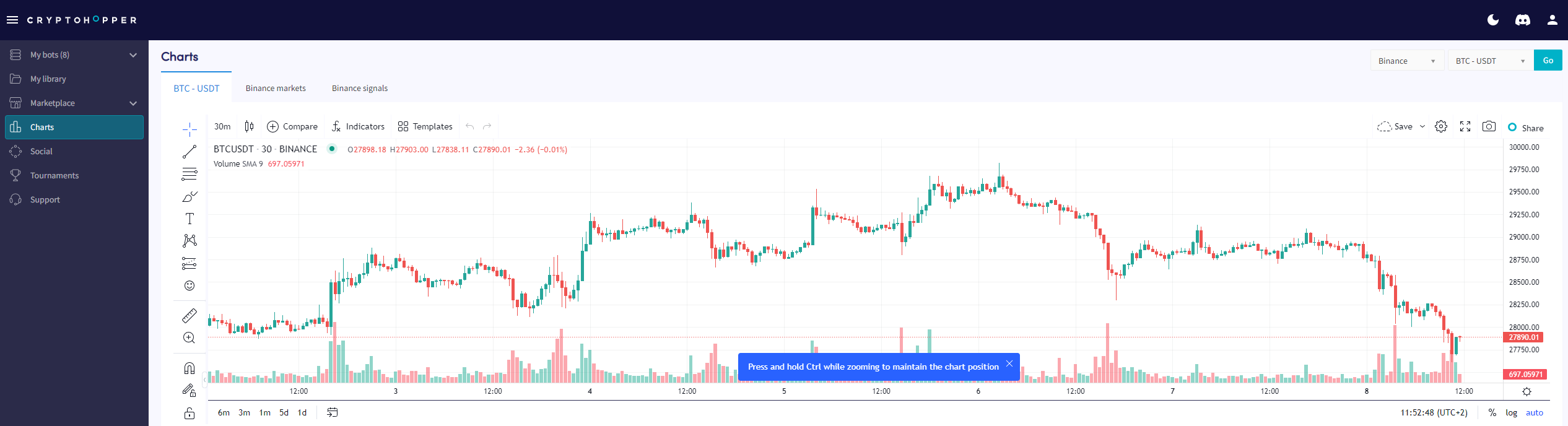
Come leggere la pagina grafico
Questa guida ti mostra dove trovare la pagina grafico e cosa puoi fare con essa.
Prerequisiti
- Un account Cryptohopper.
- Un abbonamento Pioneer, Explorer, Adventurer o Hero.
Passaggi
- Accedi al tuo account Cryptohopper.
- Clicca su "Grafici".
- Seleziona il tuo exchange e la coppia di trading.
- Clicca su "Vai".
- Usa gli strumenti semplici per disegnare sul grafico, oppure
- Usa gli strumenti complessi per disegnare sul grafico.
- Dai un'occhiata alla "scheda Mercati".
- Rivedi la "scheda Segnali".