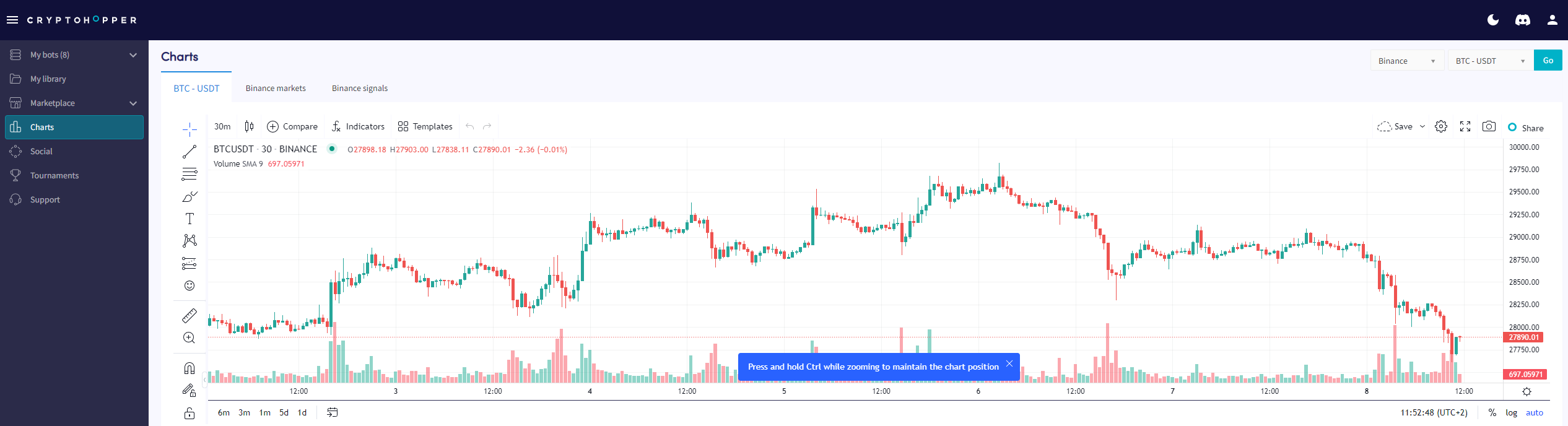
Comment lire la page des graphiques
Ce guide te montre où trouver la page des graphiques et ce que tu peux faire avec.
Conditions
- Un compte Cryptohopper.
- Un abonnement Pioneer, Explorer, Adventurer ou Hero.
Étapes
- Connecte-toi à ton compte Cryptohopper.
- Clique sur "Charts".
- Sélectionne ton exchange et ta paire de trading.
- Clique sur "Go".
- Utilise les outils simples pour dessiner sur le graphique, ou
- Utilise les outils complexes pour dessiner sur le graphique.
- Consulte l'onglet "Market".
- Examine l'onglet "Signals".