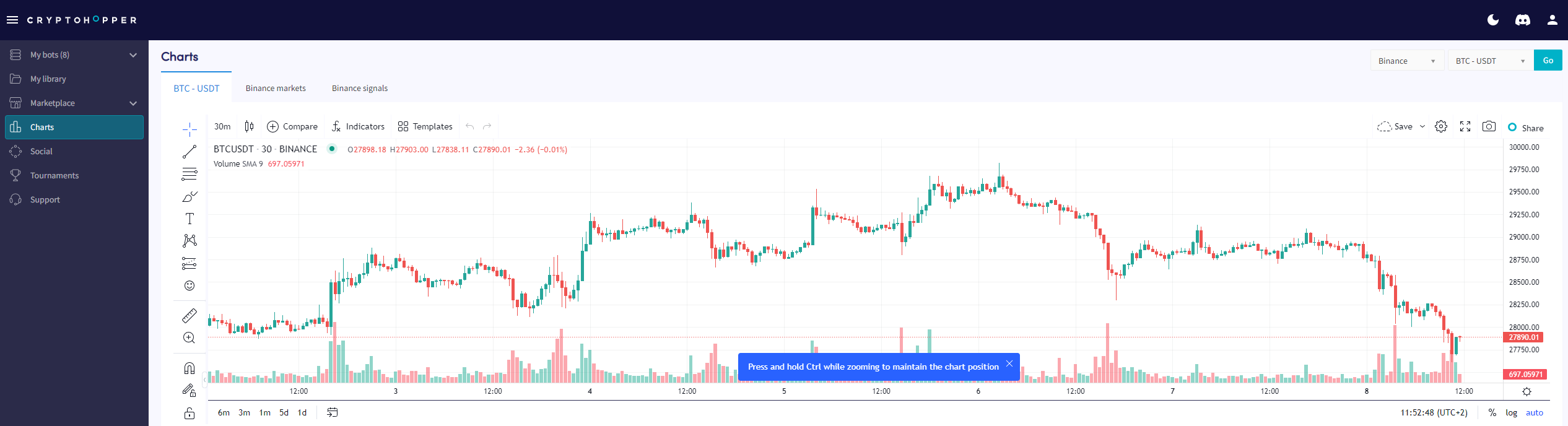
Wie man die Chart-Seite liest
Dieser Leitfaden zeigt dir, wo du die Chart-Seite findest und was du damit machen kannst.
Voraussetzungen
- Ein Cryptohopper-Konto.
- Ein Pioneer-, Explorer-, Adventurer- oder Hero-Abonnement.
Schritte
- Melde dich in deinem Cryptohopper-Konto an.
- Klicke auf "Charts".
- Wähle deine Börse und dein Trading-Paar aus.
- Klicke auf "Los".
- Verwende die einfachen Tools, um auf dem Chart zu zeichnen, oder
- Verwende die komplexen Tools, um auf dem Chart zu zeichnen.
- Schau dir den "Markt-Tab" an.
- Überprüfe den "Signale-Tab".