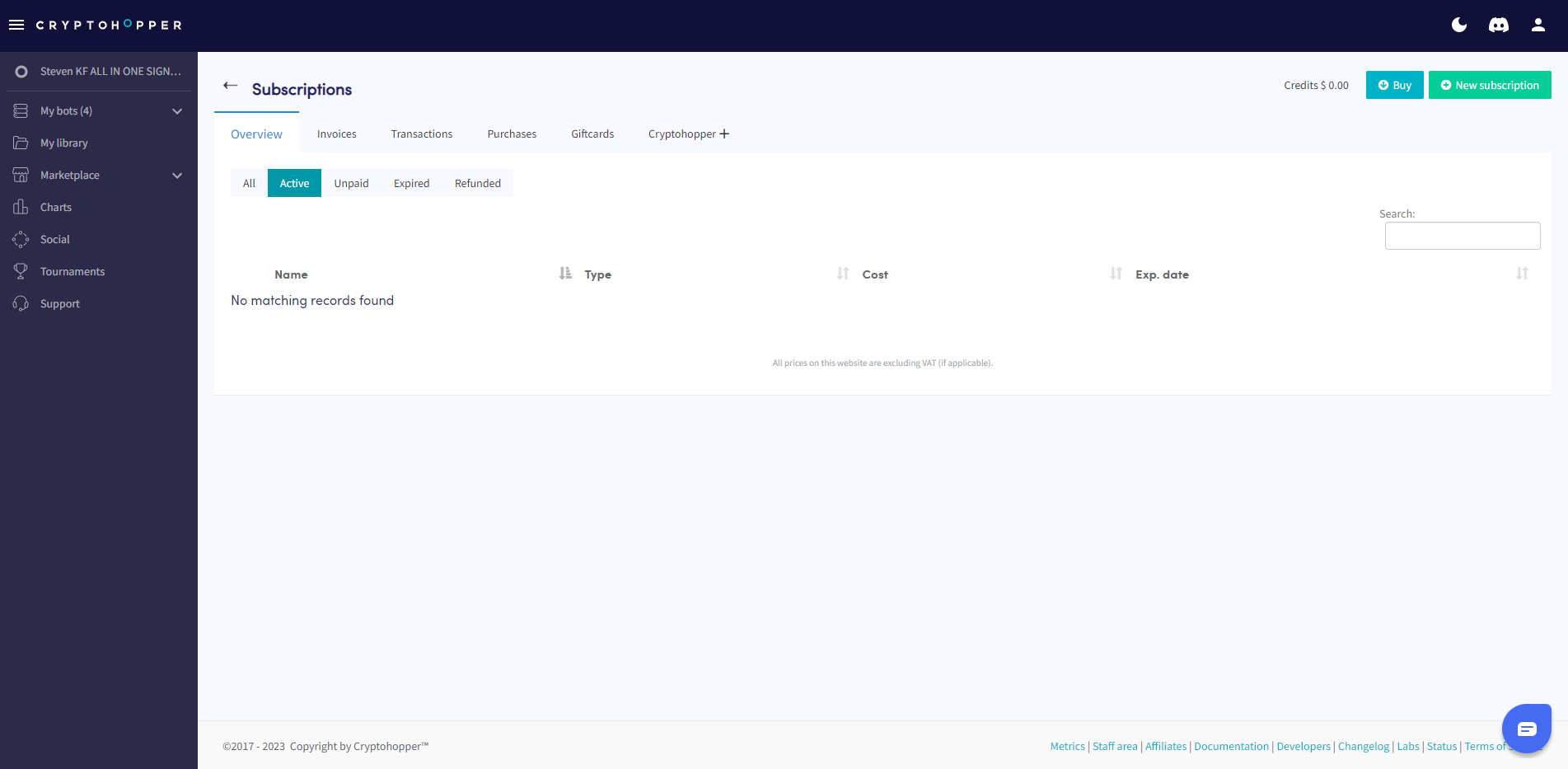
How to Subscribe to an Explorer, Adventurer, or Hero subscription
This guide shows you how to subscribe to an Explorer, Adventurer, or Hero subscription.
Prerequisites
- A Cryptohopper account.
- Readiness to purchase an Explorer, Adventurer, or Hero subscription.
Steps
- Log in to your Cryptohopper account.
- Click "Subscriptions".
- Click "New subscription".
- Choose the subscription you want to buy.
- Click "Subscribe now" under your chosen subscription.
- Select the payment term — "Monthly" or "Yearly".
- Select your preferred payment method.
- Click "Complete your order".
- Complete the payment using your chosen payment method.