Come leggere la Dashboard di Market Making
Questa guida ti mostra dove trovare la Dashboard di Market Making e cosa contiene ogni sezione.
Prerequisiti
- Un account Cryptohopper.
- Un bot Market Maker.
- Un abbonamento Hero subscription.
Passaggi
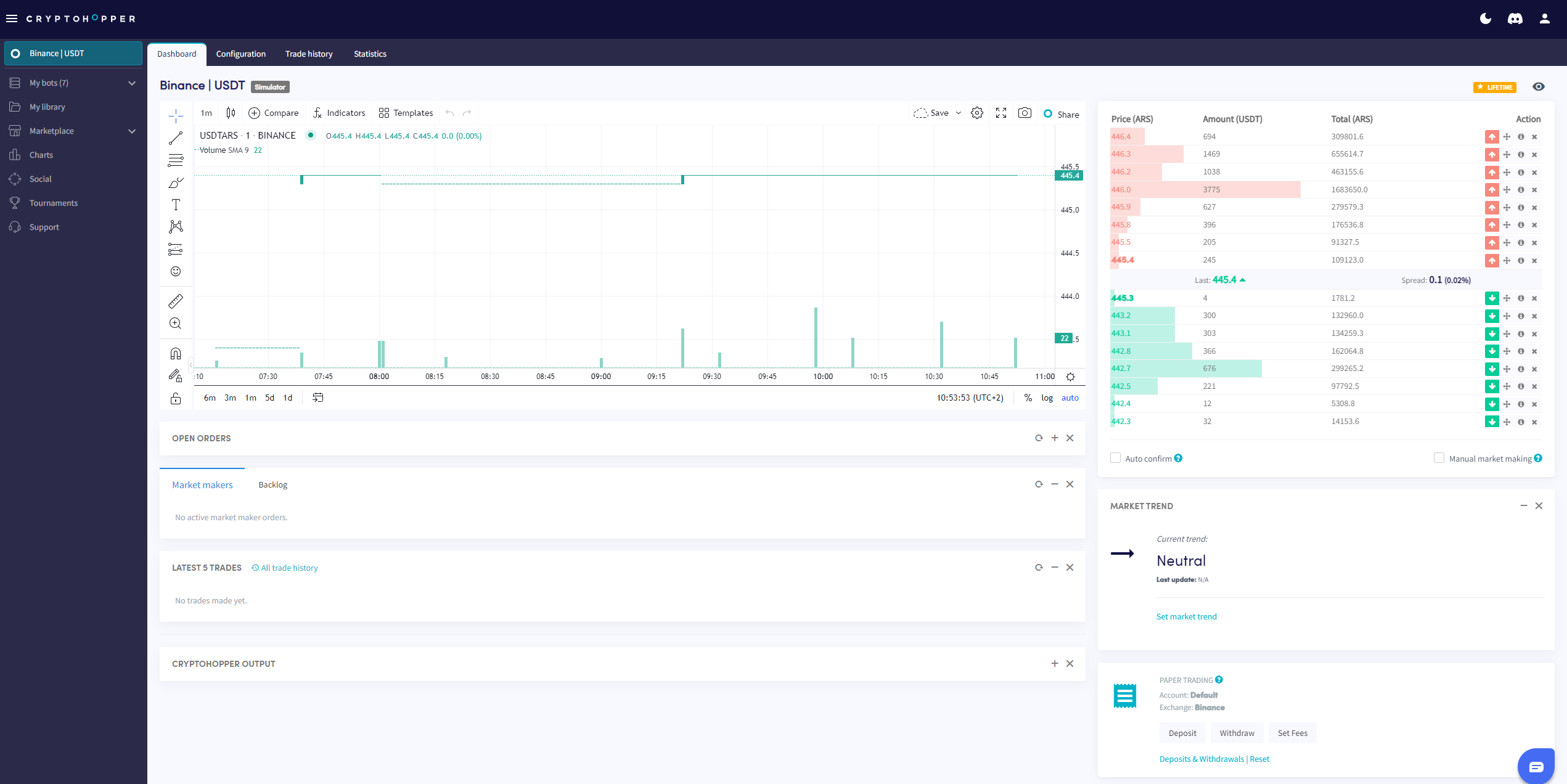
- Vai al tuo bot Market Maker e clicca su "Dashboard".
- Esamina il Grafico per una panoramica delle prestazioni del tuo bot.
- Controlla i tuoi Ordini aperti.
- Esamina il Backlog.
- Controlla il tuo Saldo Iniziale.
- Monitora l'Output per errori e attività del bot.
info
Per una descrizione completa di tutto ciò che è presente nella Dashboard di Market Making, vedi Cosa c'è nella Dashboard per il Bot di Market Making.