Comment lire le tableau de bord Market Making
Ce guide te montre où trouver le tableau de bord Market Making et ce que contient chaque section.
Conditions
- Un compte Cryptohopper.
- Un bot Market Maker.
- Un abonnement Hero.
Étapes
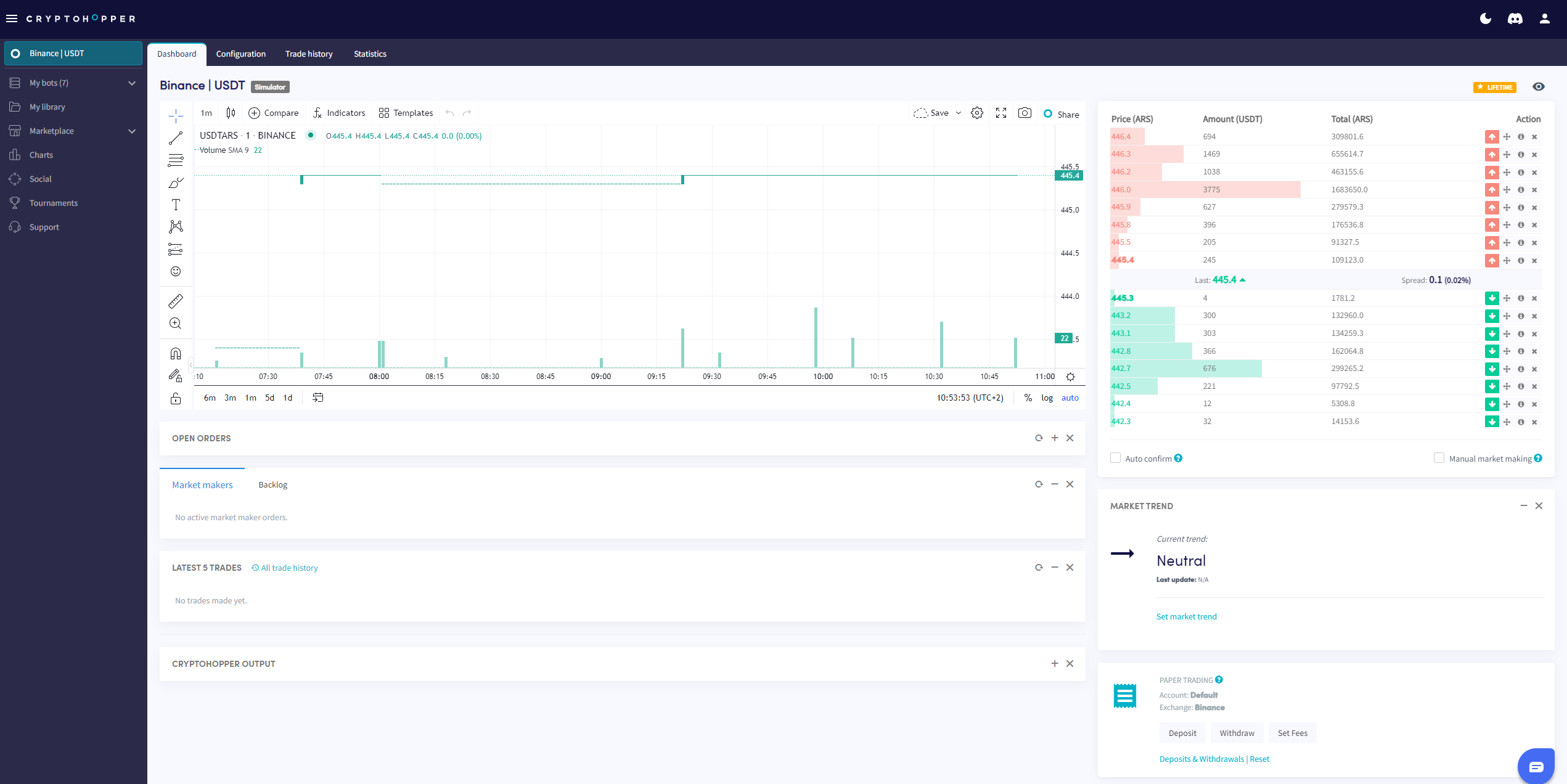
- Va sur ton bot Market Maker et clique sur « Tableau de bord ».
- Consulte le Graphique pour avoir un aperçu des performances de ton bot.
- Vérifie tes Ordres ouverts.
- Consulte le Backlog.
- Vérifie ton Solde de départ.
- Surveille l'Output pour détecter les erreurs et l'activité du bot.
info
Pour une description complète de tous les éléments du tableau de bord Market Making, consulte Que contient le tableau de bord du bot Market Making.