Qué es solucionar problemas de tu bot de creación de mercados
Esta guía te muestra qué revisar cuando solucionas problemas de tu bot de creación de mercados.
Suscripción
Verifica que tengas una suscripción Hero activa asignada al bot correcto. Si no tienes una, puedes comprar una suscripción aquí. Para más información sobre cómo asignar una suscripción, haz clic aquí.
Habilita tu bot
Verifica si tu bot está habilitado en tu panel de control.
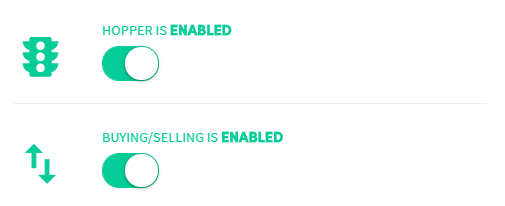
Primer interruptor — Bot habilitado Cuando está deshabilitado, no se envía ni se recibe información de tu exchange. Tu bot no está funcionando.
Segundo interruptor — Compra y venta habilitadas Cuando está habilitado, el bot compra y vende automáticamente según tu configuración base. Cuando está deshabilitado, no se abrirán operaciones.
Claves api

Verifica tus claves api y confirma que tu bot esté conectado a tu exchange. Sigue el tutorial de conexión específico del exchange — cada exchange tiene una configuración diferente. Si no aparecen errores de api en el Output, tu bot está conectado correctamente.
Fondos
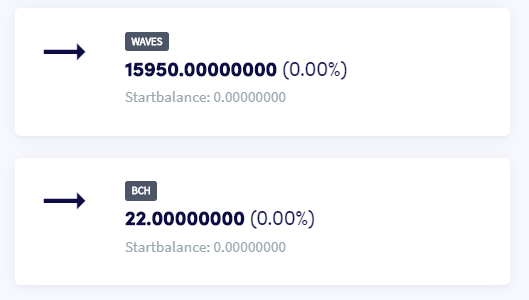
Revisa tus fondos en el Panel de control. Asegúrate de poseer ambas monedas de tu par de trading — si no las tienes, el bot no comenzará a operar, incluso si tu secuencia de órdenes sugiere lo contrario.
Configuración base
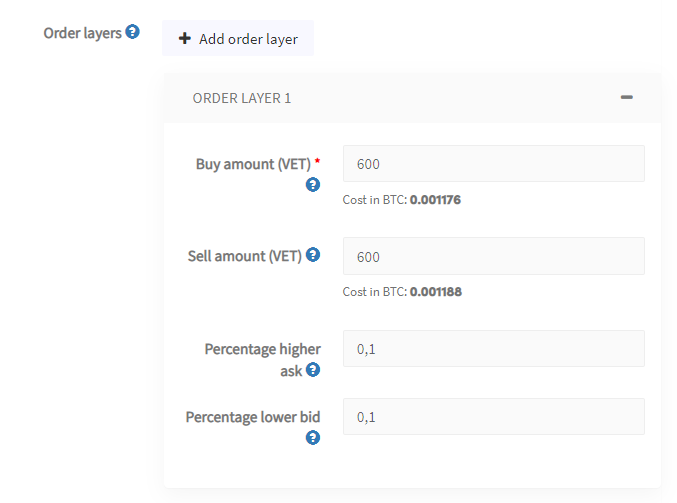
Asegúrate de que tu configuración base esté completamente configurada. No olvides el "Porcentaje de demanda más alto" y el "Porcentaje de oferta más bajo" — sin estos, el bot no sabrá dónde colocar tus órdenes.
Output
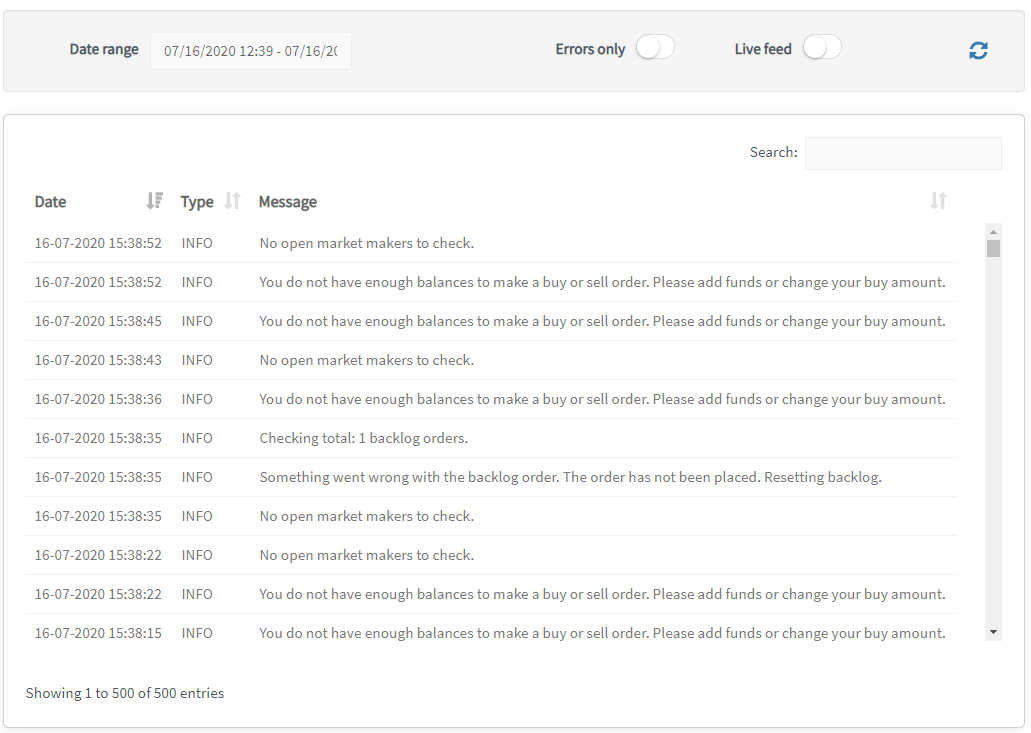
Revisa la Salida. Muestra todo lo que tu bot está haciendo o no haciendo. Selecciona un período de tiempo para filtrar los resultados — el máximo es de 500 entradas. Usa un período más corto si no puedes encontrar lo que buscas.
Referencia de errores
Fondos insuficientes Esto puede ocurrir cuando tienes múltiples capas de órdenes o elementos en el backlog, ya que el bot puede necesitar fondos para hasta 5 órdenes de compra o venta simultáneamente. Si configuraste el bot para usar el 30% de los fondos disponibles, este límite se alcanza fácilmente. El mismo error ocurre cuando se ejecutan más órdenes de compra que de venta, o viceversa. Revisa tus fondos disponibles para asegurar que el trading pueda continuar.
Has alcanzado el máximo de 500 posiciones en el backlog El trading continuará, pero no se agregarán nuevas posiciones al backlog. Verás un mensaje en tu Panel de control indicando un problema con la configuración base. Para reducir las posiciones en el backlog, deshabilita "Mover al backlog" o selecciona "No hacer nada" bajo "Revertir órdenes canceladas".
No se puede recuperar el libro de órdenes del exchange La cancelación basada en la profundidad del libro de órdenes no está funcionando. Este suele ser un error temporal. Si persiste, contacta al soporte.
¿Necesitas ayuda adicional con un mensaje de error? Contáctanos por correo electrónico en [email protected].