What is troubleshooting your Market-Making bot
This guide shows you what to look at when troubleshooting your Market Making Bot.
Subscription
Check that you have an active Hero subscription assigned to the correct bot. If you don't have one, you can purchase a subscription here. For more information on how to assign a subscription, click here.
Enable your bot
Check if your bot is enabled on your Dashboard.
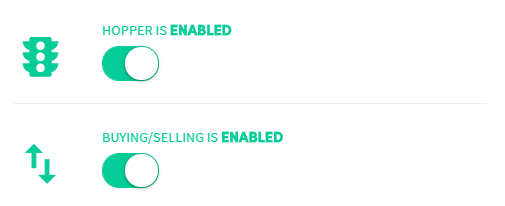
First toggle — Bot enabled When disabled, no information is sent to or received from your exchange. Your bot is not working.
Second toggle — Buying and selling enabled When enabled, the bot automatically buys and sells based on your Baseconfig. When disabled, no trades will open.
API Keys

Check your API Keys and confirm your bot is connected to your exchange. Follow the exchange-specific connection tutorial — every exchange has a different setup. If no API errors appear in the Output, your bot is connected correctly.
Funds
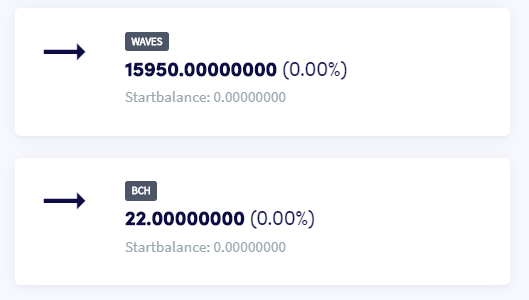
Check your funds on the Dashboard. Make sure you own both currencies of your trading pair — if you don't, the bot will not start trading, even if your order sequence suggests otherwise.
Baseconfig
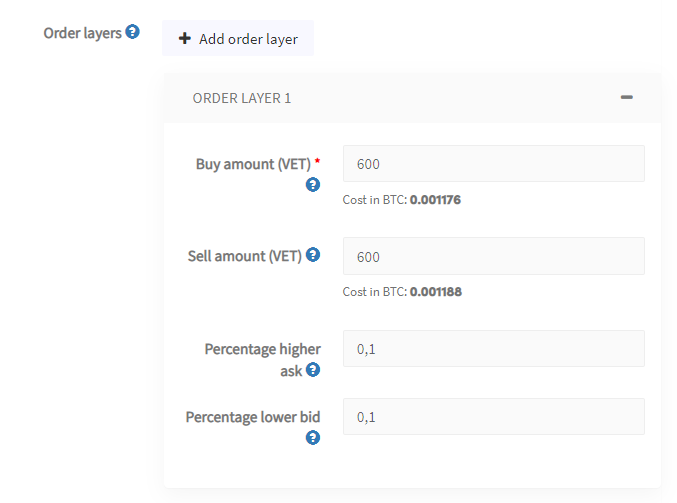
Make sure your Baseconfig is fully configured. Don't forget the "Percentage higher ask" and "Percentage lower bid" — without these, the bot won't know where to place your orders.
Output
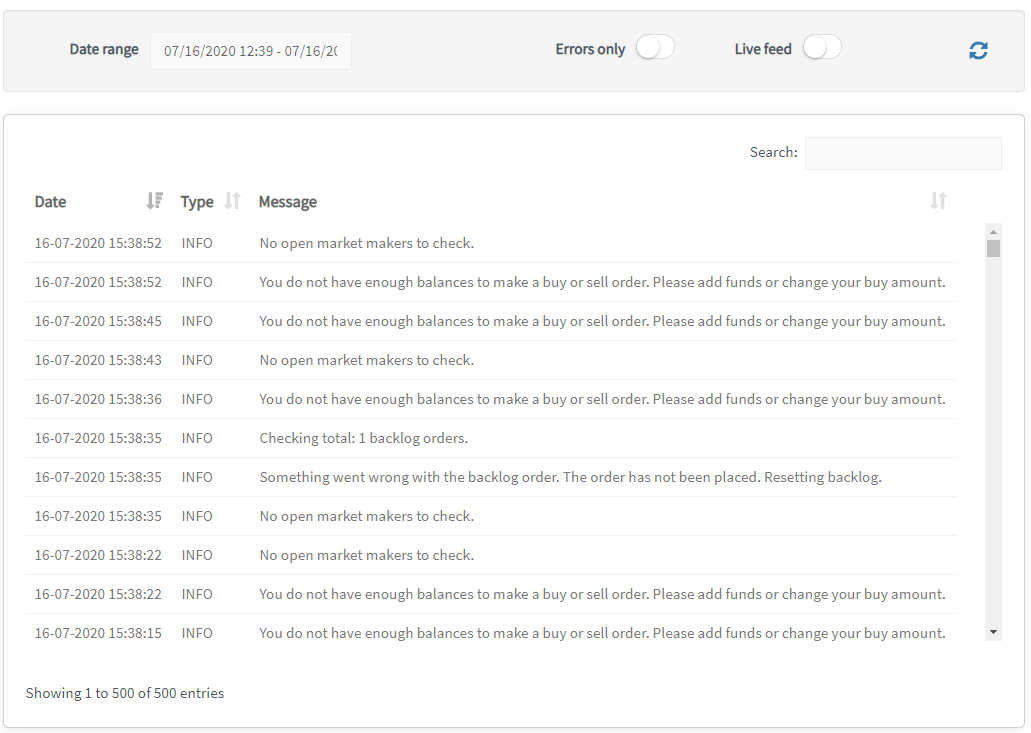
Check the Output. It shows everything your bot is doing or not doing. Select a time period to filter results — the maximum is 500 entries. Use a shorter timeframe if you can't find what you're looking for.
Error reference
Not enough funds This can happen when you have multiple order layers or items in the backlog, as the bot may need funds for up to 5 buy or sell orders simultaneously. If you configured the bot to use 30% of available funds, this limit is easily reached. The same error occurs when more buy orders fill than sell orders, or vice versa. Check your available funds to ensure trading can continue.
You have reached the maximum number of 500 backlog positions Trading will continue, but no new positions will be added to the backlog. You will see a message on your Dashboard indicating a Baseconfig issue. To reduce backlog positions, disable "Move to backlog" or select "Do nothing" under "Revert canceled orders".
Unable to retrieve orderbook from exchange Canceling based on orderbook depth is not working. This is usually a temporary error. If it persists, contact support.
Need additional help with an error message? Contact us via email at [email protected].