How to pay with Litecoin
警告
This payment option is not available anymore.
Prerequisites
Before you begin, check the following:
- You have a Cryptohopper account.
- You want to pay your subscription with Litecoin
- You have a crypto wallet or exchange with Litecoin you can use to buy a subscription
How to pay with Litecoin
- Log in to your Cryptohopper account.
- Click on “Subscriptions”.
- Click “New subscription”.
- Click on “Subscribe now” for the subscription you want to buy.
- Select the payment term.
- Click the Litecoin logo.
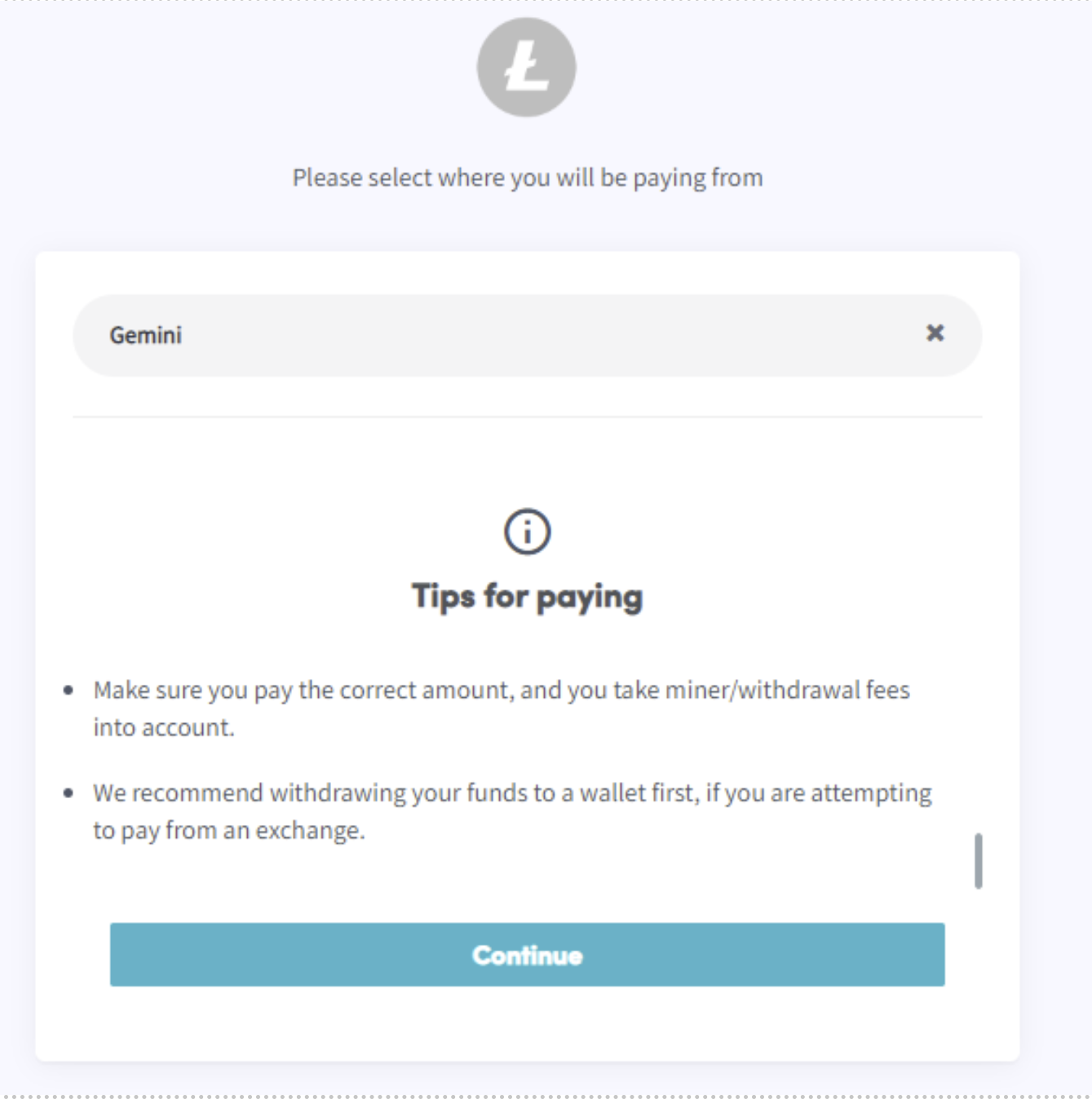
- Click “Complete your order”. You will be redirected to a page where you can select the wallet or exchange you want to use.
- Read the tips.
- Click “Continue”.
- You can Pay in Wallet or scan the QR code.
- Make the payment.
- You will receive an email with all the details.