What can you find on the Tournaments page
An explanation of everything you can find on the Cryptohopper Tournaments page.
Leaderboard
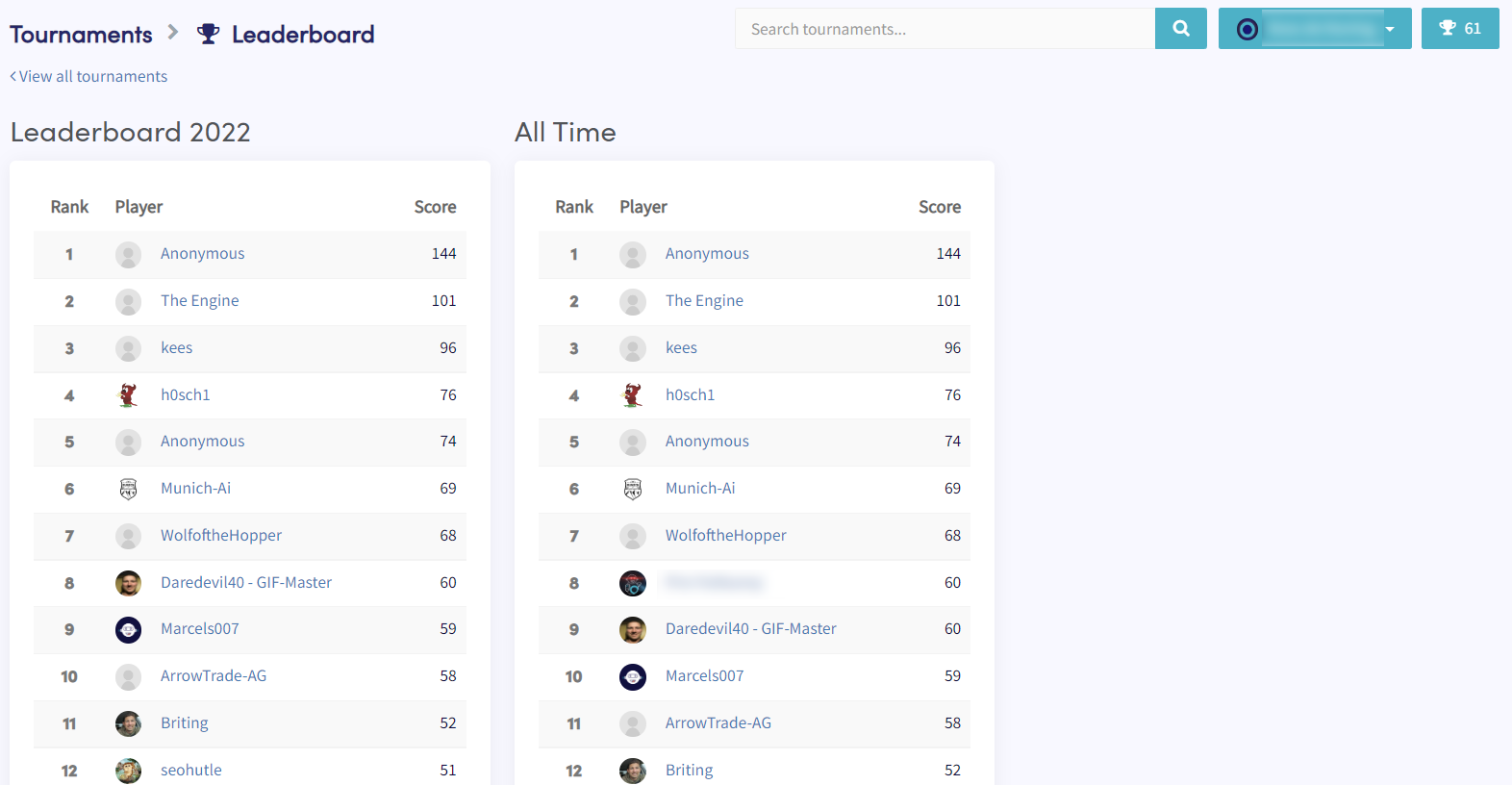
Click "Leaderboard" to check the all-time ranking or filter by year. The top 100 profiles are displayed.
Details
Click on a Tournament to view its details — including whether your existing bot meets the Tournament's rules, the enrollment period, and the end date. The activity section shows your competitors' trading activity, while the stats section shows the total number of trades and your own trade count. If your bot doesn't meet the rules, you can create a new one specifically for the Tournament.

Calculation of your trading score
Cryptohopper does not disclose the exact score calculation formula in order to keep Tournaments fair. What we can share:
- Trades with a profit above 0.5% will start generating a score.
- A score multiplier applies as profits increase.
- Loss-making trades result in a score deduction.
Prizes
Prizes vary by Tournament and can include Cryptohopper credits, XP for Cryptohopper's Loyalty Program, and more. When prizes are determined by the number of participants, users must have a non-zero score to qualify for the next prize level.