What can you find on Cryptohopper Social
An explanation of every feature available on Cryptohopper Social.
Feed
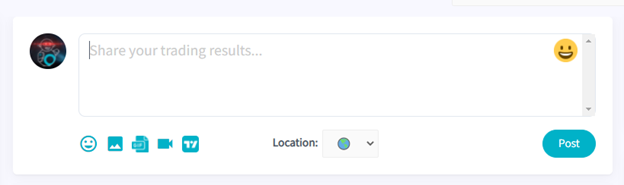
Share your thoughts, trading ideas, and updates with the Cryptohopper community.
Search
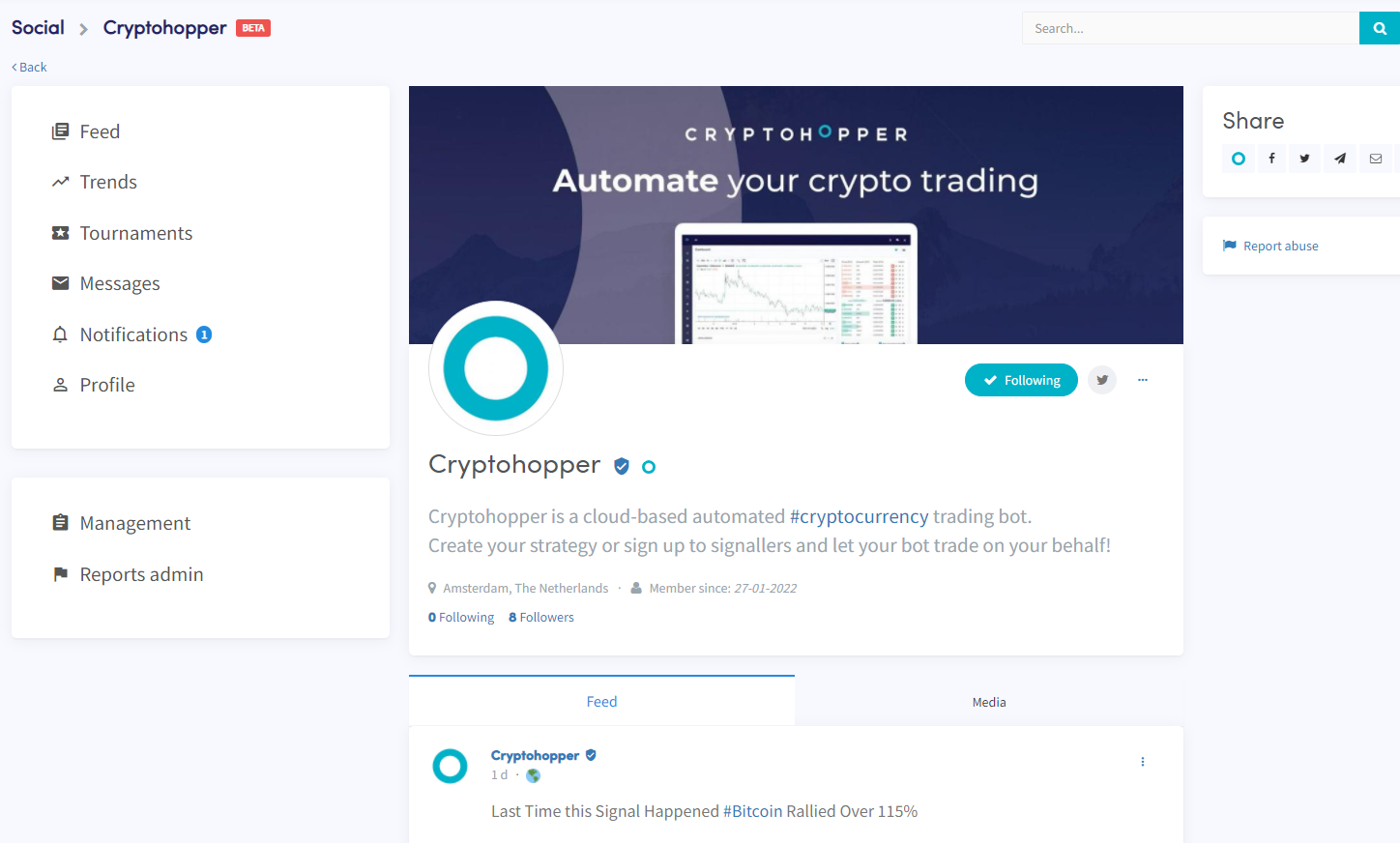
Use the search bar to find friends, exchanges, technical analysts, news sites, and more. Click "Follow" to stay updated. A profile shows posts, shared media, Marketplace items, and Tournaments joined. You can also chat with friends directly by clicking the message icon.
Trends
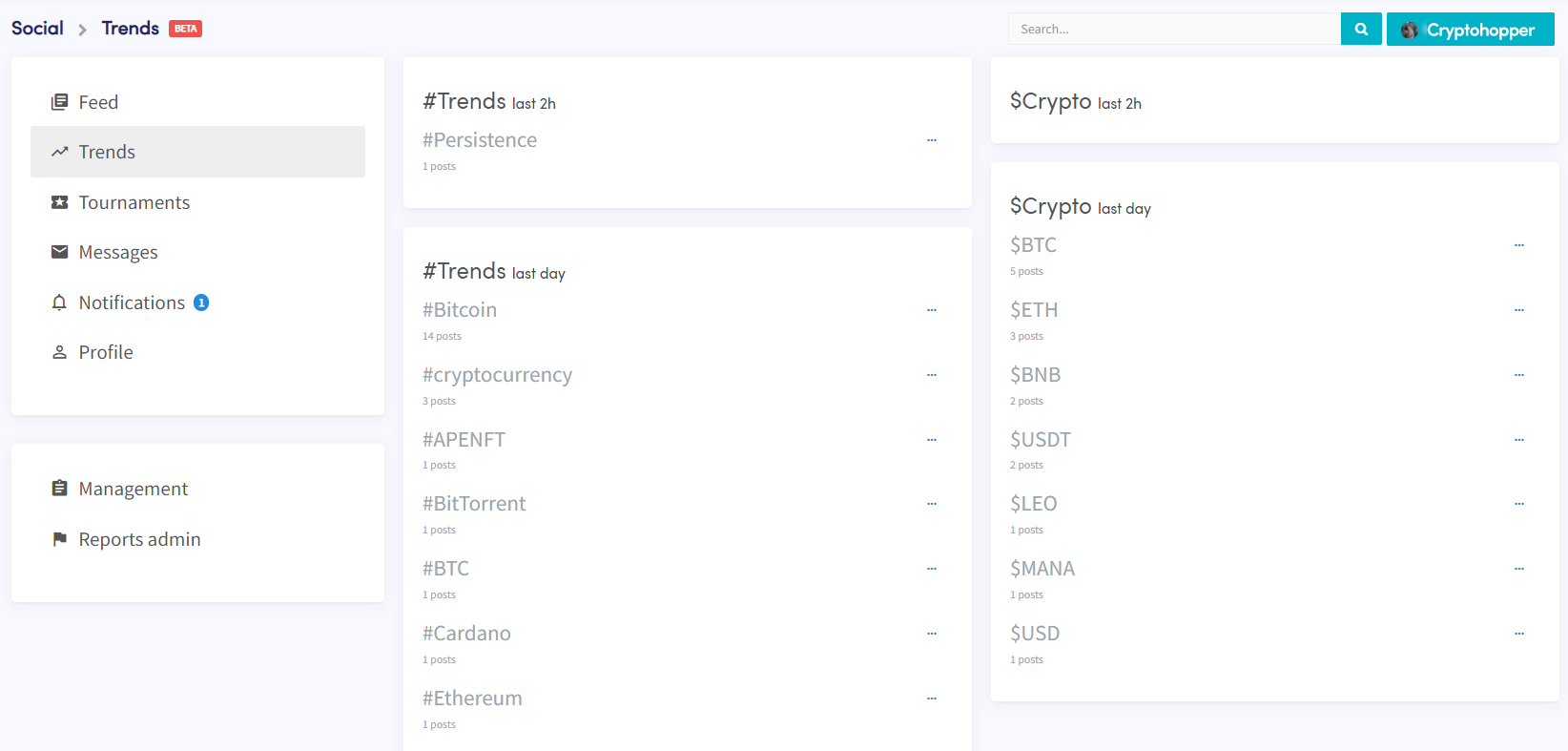
Browse trending topics in the Trends tab and dive deeper into any trend to explore related content.
Messages
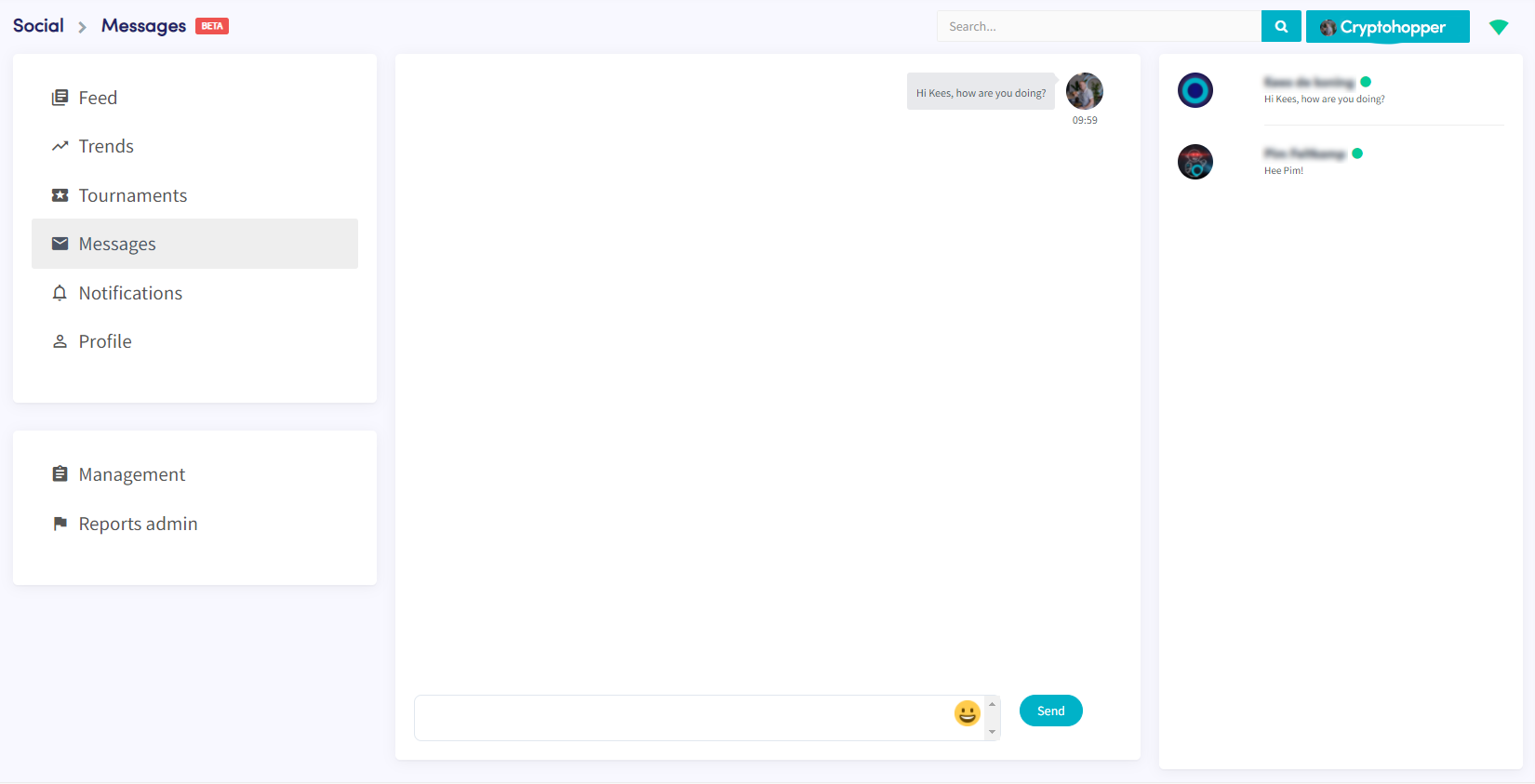
Chat privately with other Cryptohopper users. Note: you can only message traders who follow you back.
Notifications
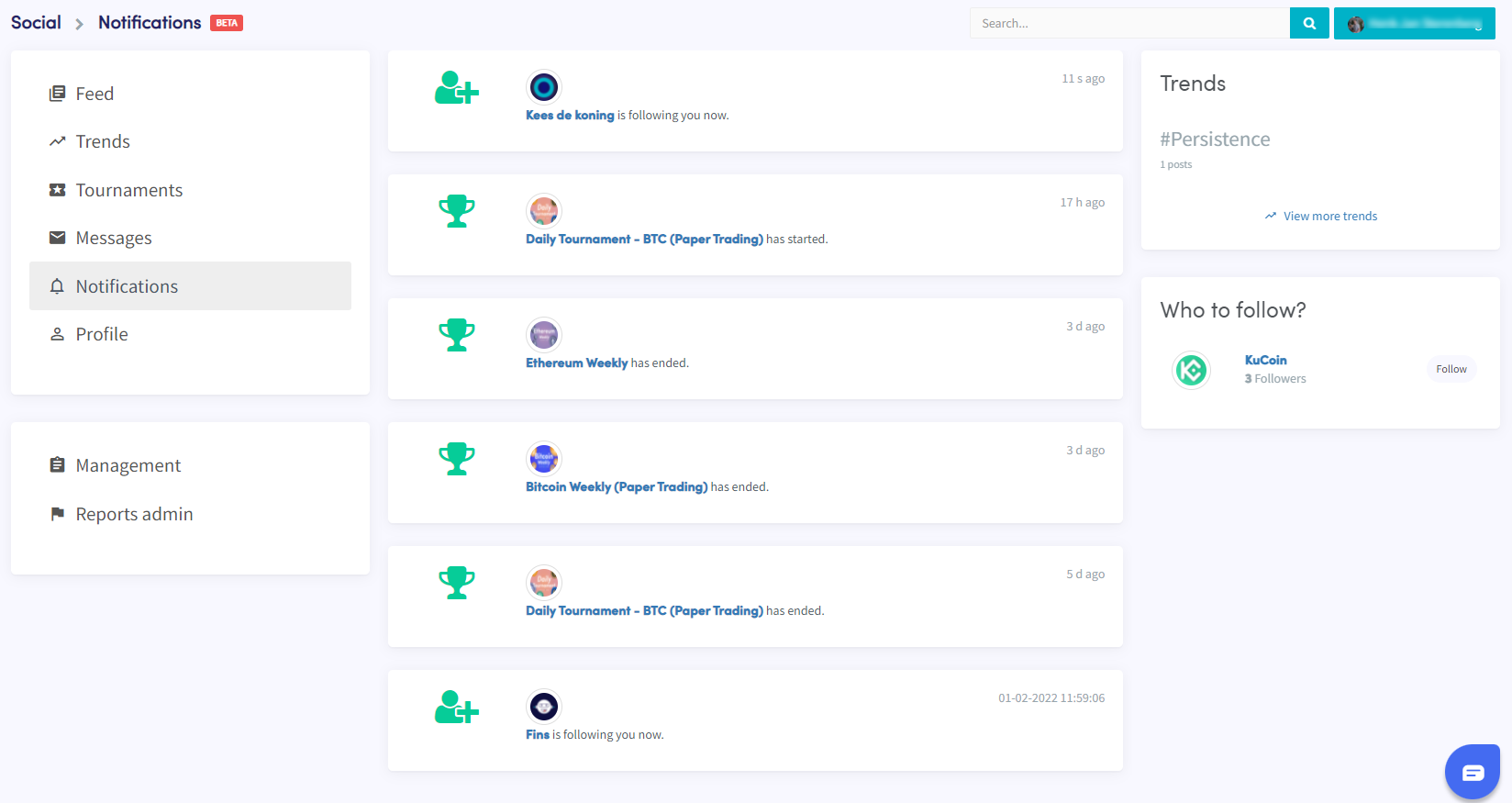
Stay informed about new followers and updates from Tournaments you have joined.
Profile
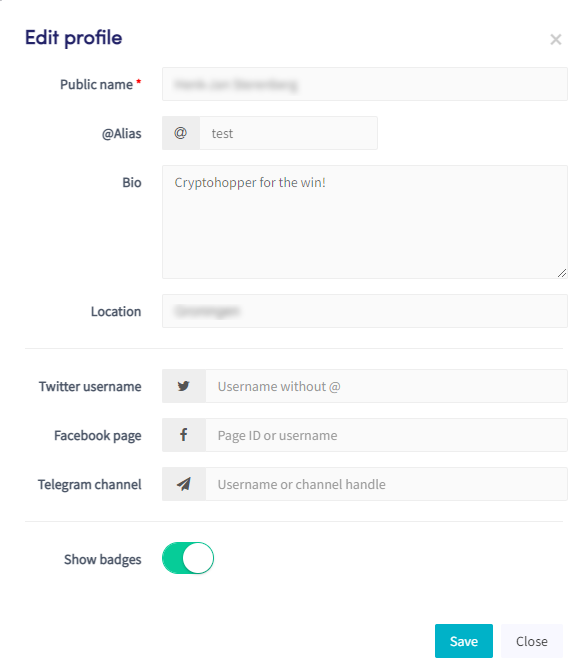
Update your profile and background picture. View your posts, shared media, Tournaments, and earned badges.